
CMG Worldwide Welcomes You to the Official Website of Sir Laurence Olivier
Biography
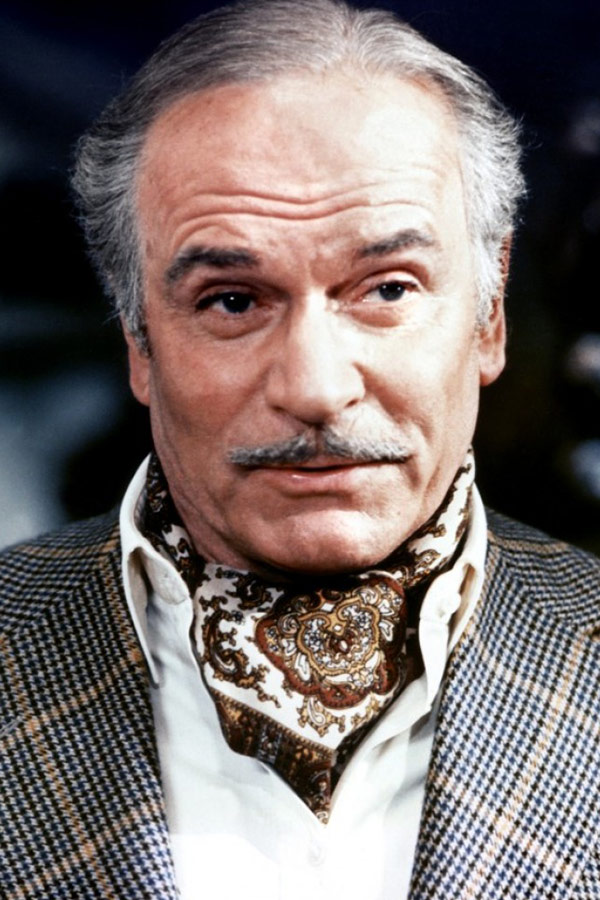
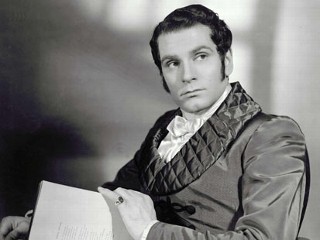
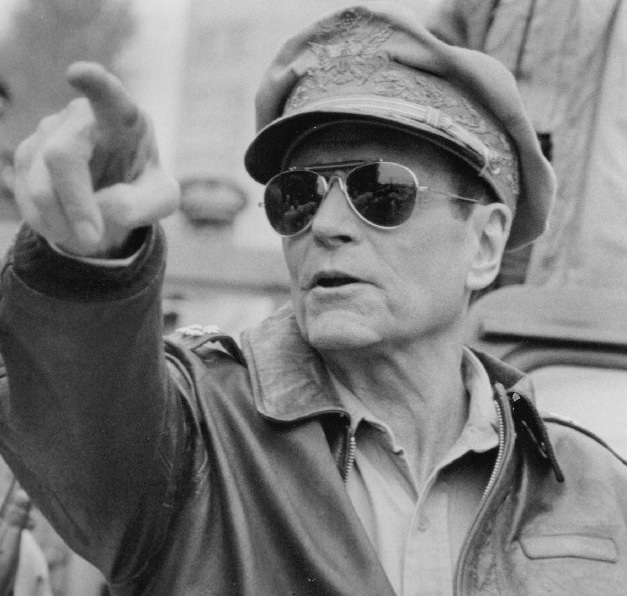
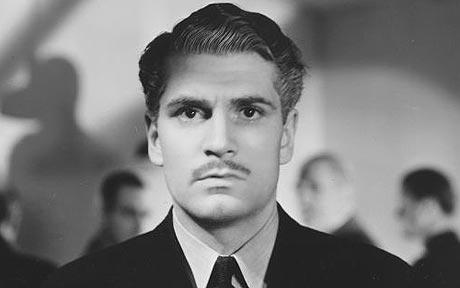
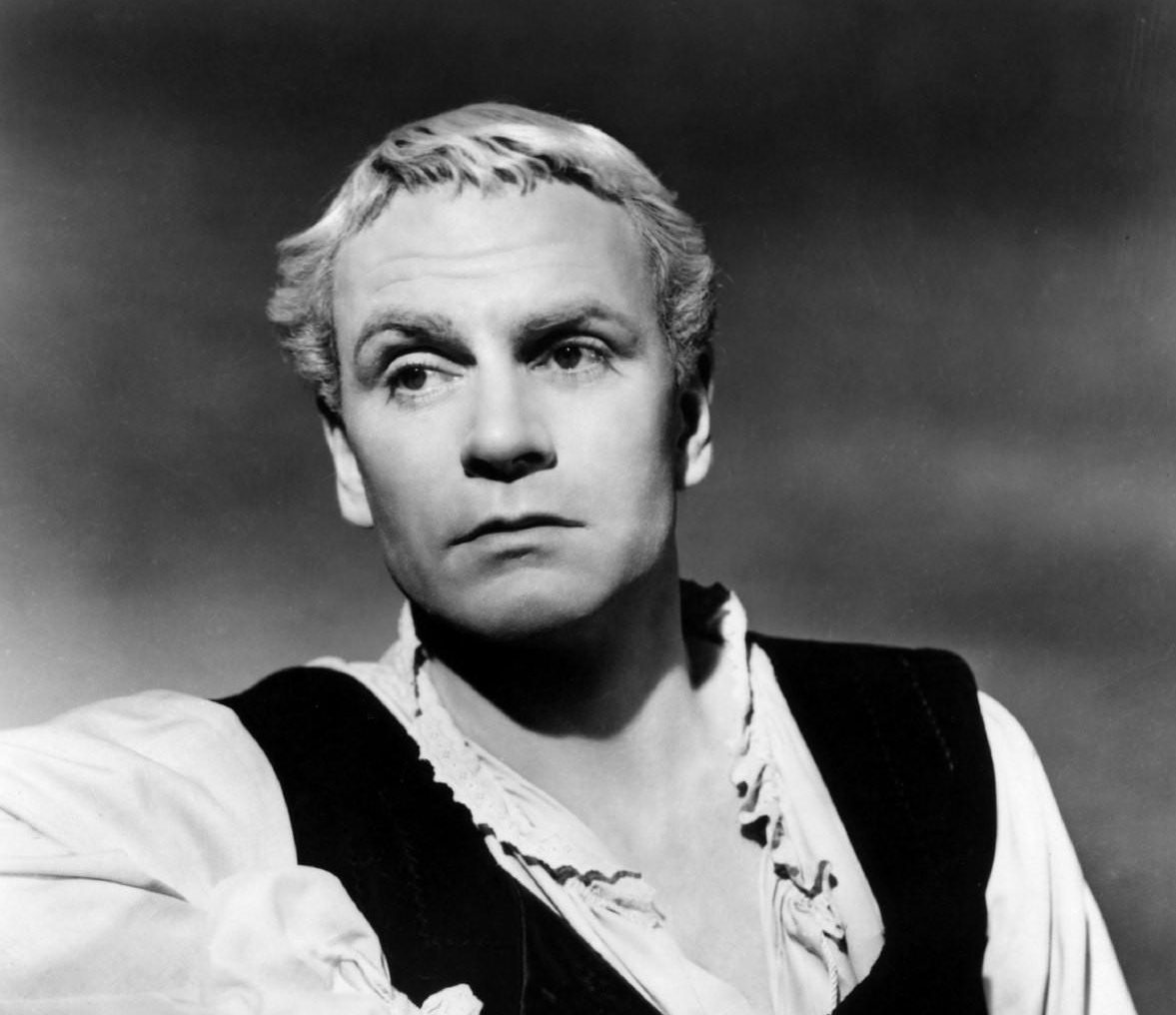
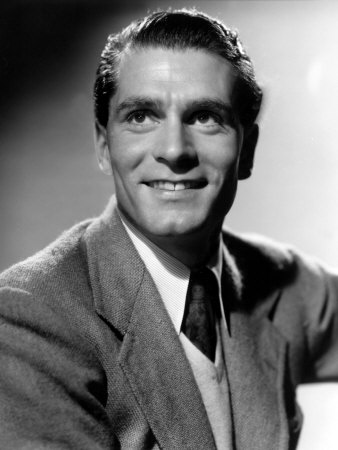
He is an actor who many consider to be the greatest in the English-speaking world during the twentieth century. Though Sir Laurence Olivier was based mostly in England, he made a significant number of Hollywood films. He was nominated for Academy Awards as either an actor, producer, or director twelve times, winning twice, while also being honored with two special Oscars. In his long and versatile career, Olivier appeared in more than 120 stage roles, nearly 60 films and more than 15 television productions.
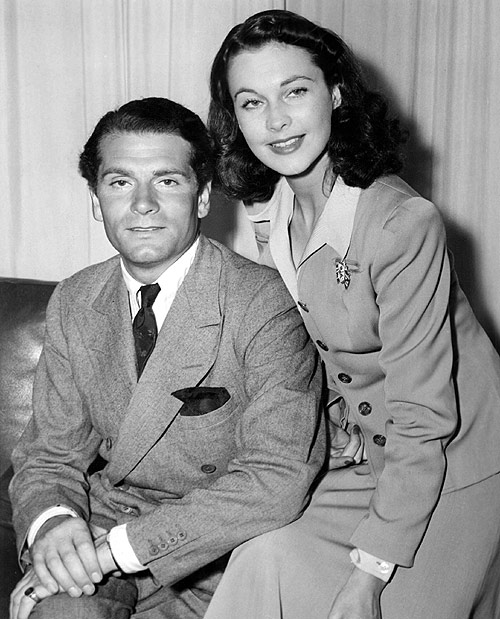
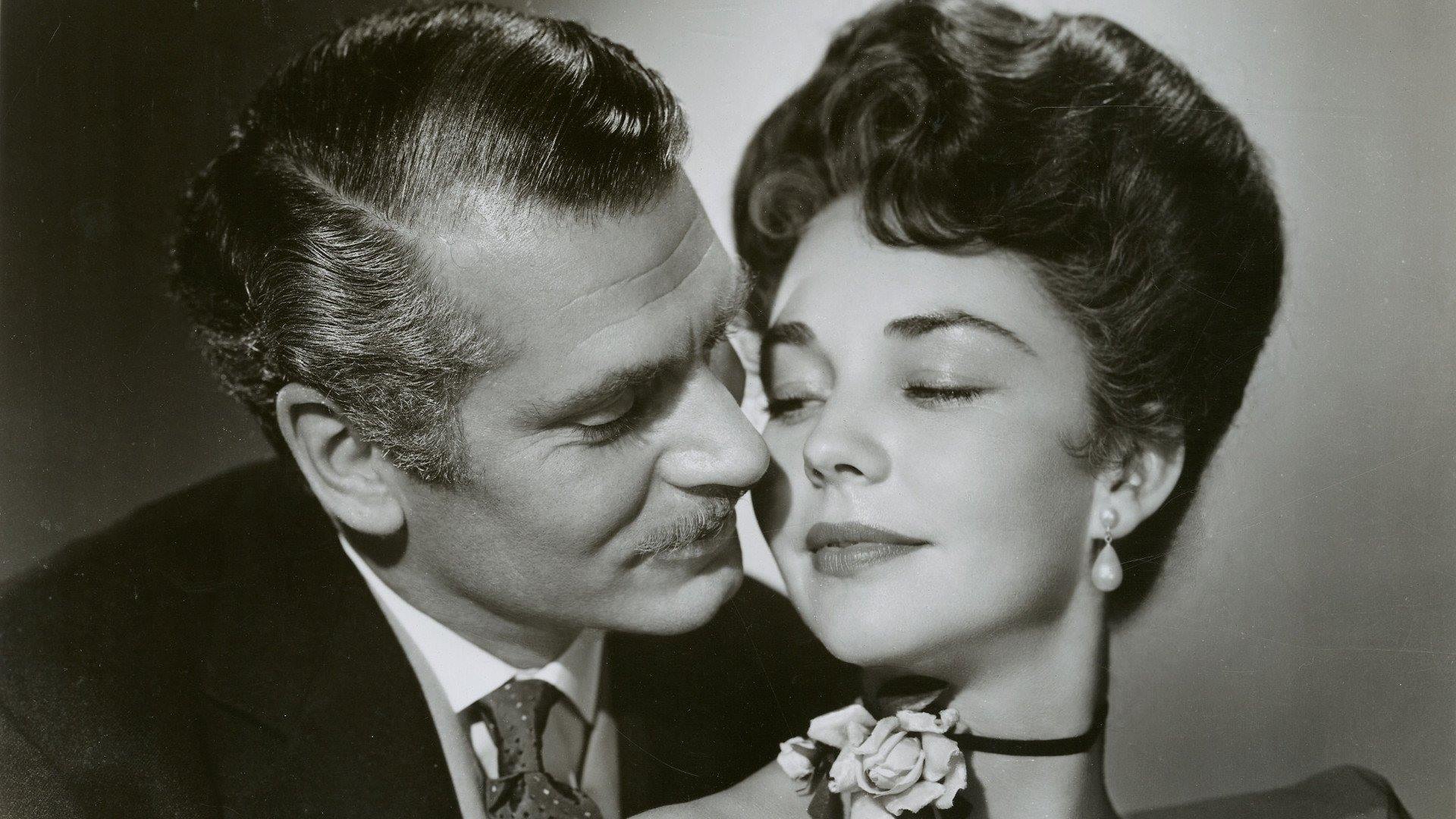
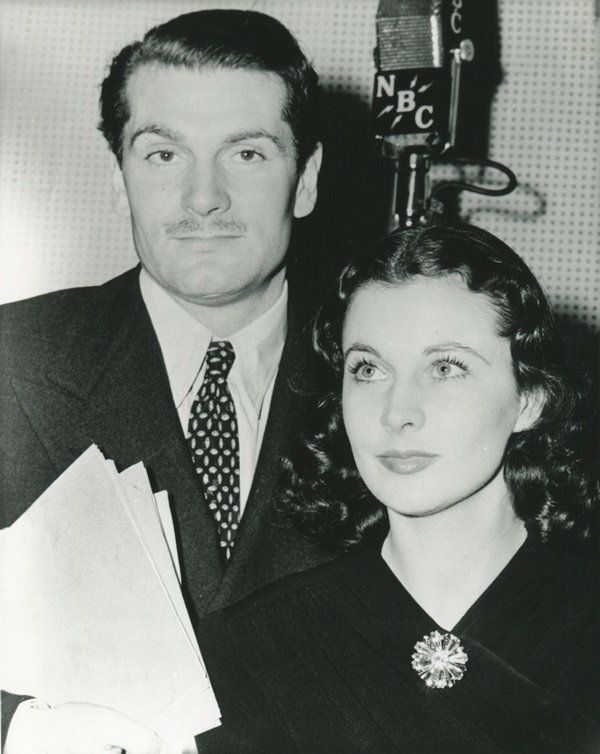
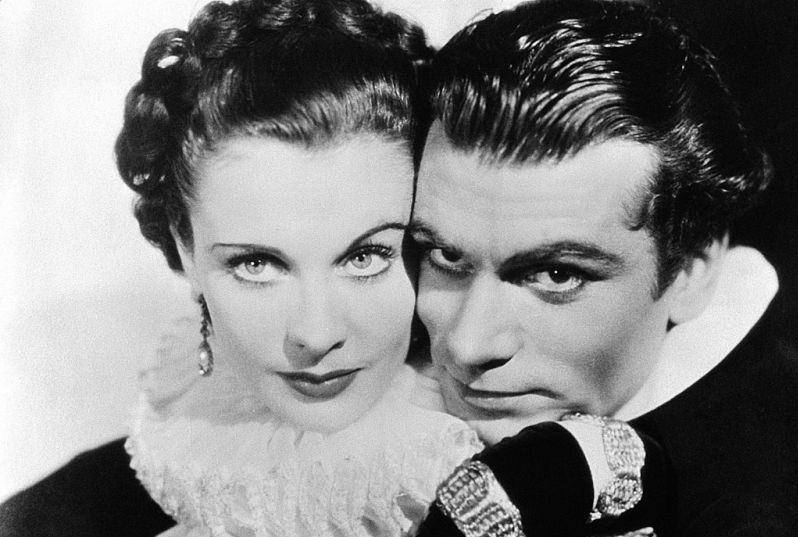
The son of a clergyman, he was well educated and introduced to the arts at an early age. He made his acting debut at the age of fifteen at the all-boys, All Saints Choir School. He continued playing Shakespearean and other classical roles while in training. Olivier’s next big step was joining The Birmingham Repertory company in 1926. He had also acted on Broadway and was recognized by the American film industry. He had his chance at early Hollywood stardom when he played the lead in Yellow Ticket. By the time he made Fire Over England, he was a hot commodity, made even hotter by his well-publicized affair with his costar, the beautiful and talented Vivien Leigh. Tongues wagged wilder than usual because both Olivier and Leigh were married to other people at the time. They later freed themselves in order to marry each other, a union that lasted for more than 20 years.
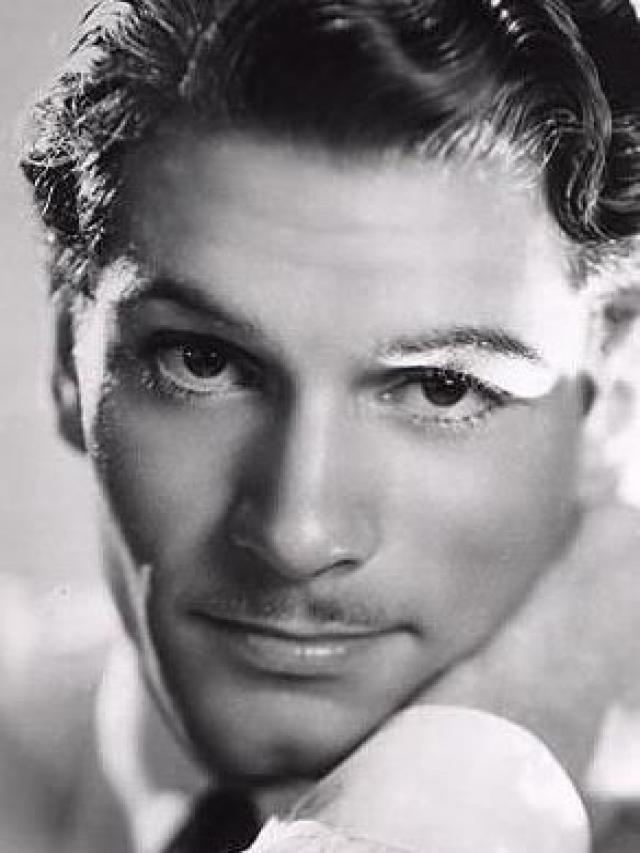
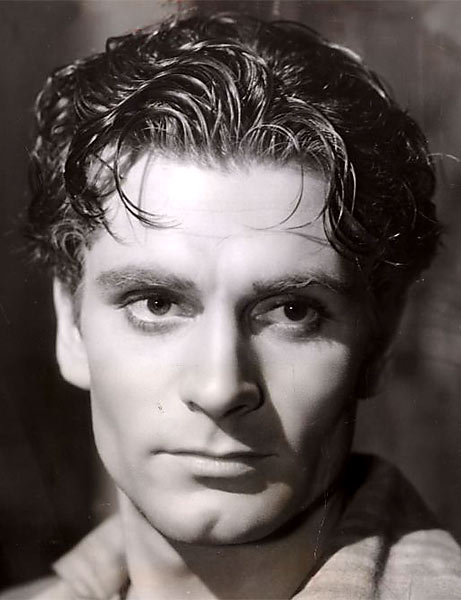
As a sought after actor, Olivier heeded the call to Hollywood again and was considerably more successful. He starred as Heathcliff in the scintillating romance, Wuthering Heights (1939), and became an international matinee idol. He followed that hit with several others, including Rebecca and that Hamilton Woman. Olivier’s most productive period came from directing and producing. He did this, while also starring in Henry V (1944) and Hamlet (1948). He won Best Film and Best Actor awards for Hamlet from the Academy. No matter what country has produced his films, Olivier remains an international star whose talent belongs to all nations.
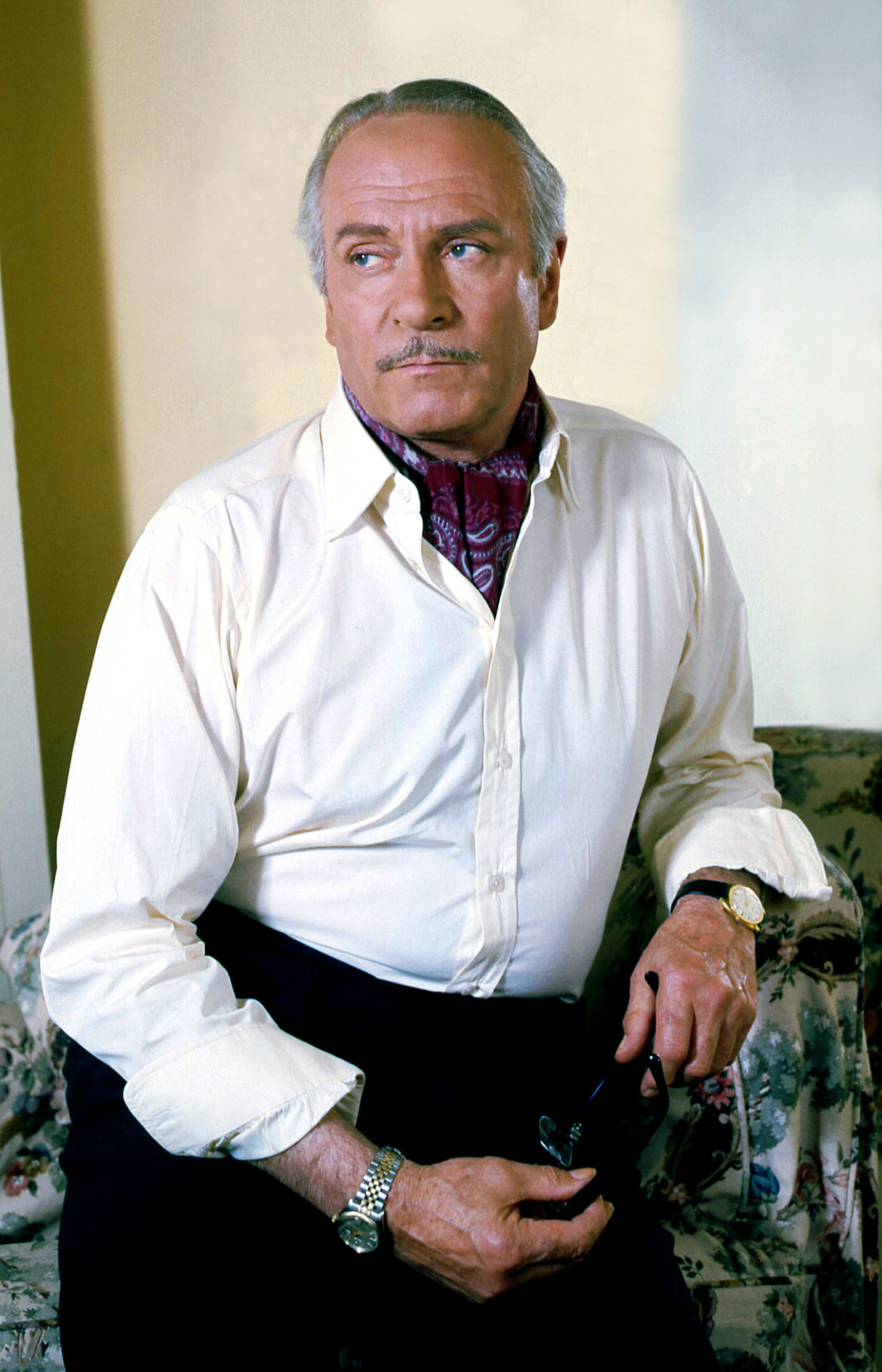
Burdened by ill health for more than a decade, Olivier fought cancer and other ailments while working at a furious pace. He was knighted in 1947, and in 1970, he was made “Baron Olivier of Brighton,” for services to the theater, which allowed him to sit in the House of the Lords. If that wasn’t enough, in 1981 he was given the Order of Merit. In America, the Academy of Motion Picture Arts and Sciences bestowed its version of knighthood on “Lord Larry,” awarding him a special Oscar “for the full body of his work, the unique achievement of his entire career and his lifetime of contribution to the art of film.
Photos


Licensing
As the exclusive licensing agent for Sir Laurence Olivier, CMG Worldwide is dedicated to maintaining and developing a positive brand image for our client. CMG is a leader and pioneer in its field, with over 35 years of experience arranging licensing agreements for hundreds of personalities and brands in various industries, including sports, entertainment, music, and more. We actively seek out commercial opportunities that are consistent with our brand positioning goals, and we are committed to pursuing strategies that meet the goals of our clients, as well as our licensing partners.
Please contact us today if you are interested in licensing opportunities with Sir Laurence Olivier. For a full list of CMG Clients, please visit our website here.